
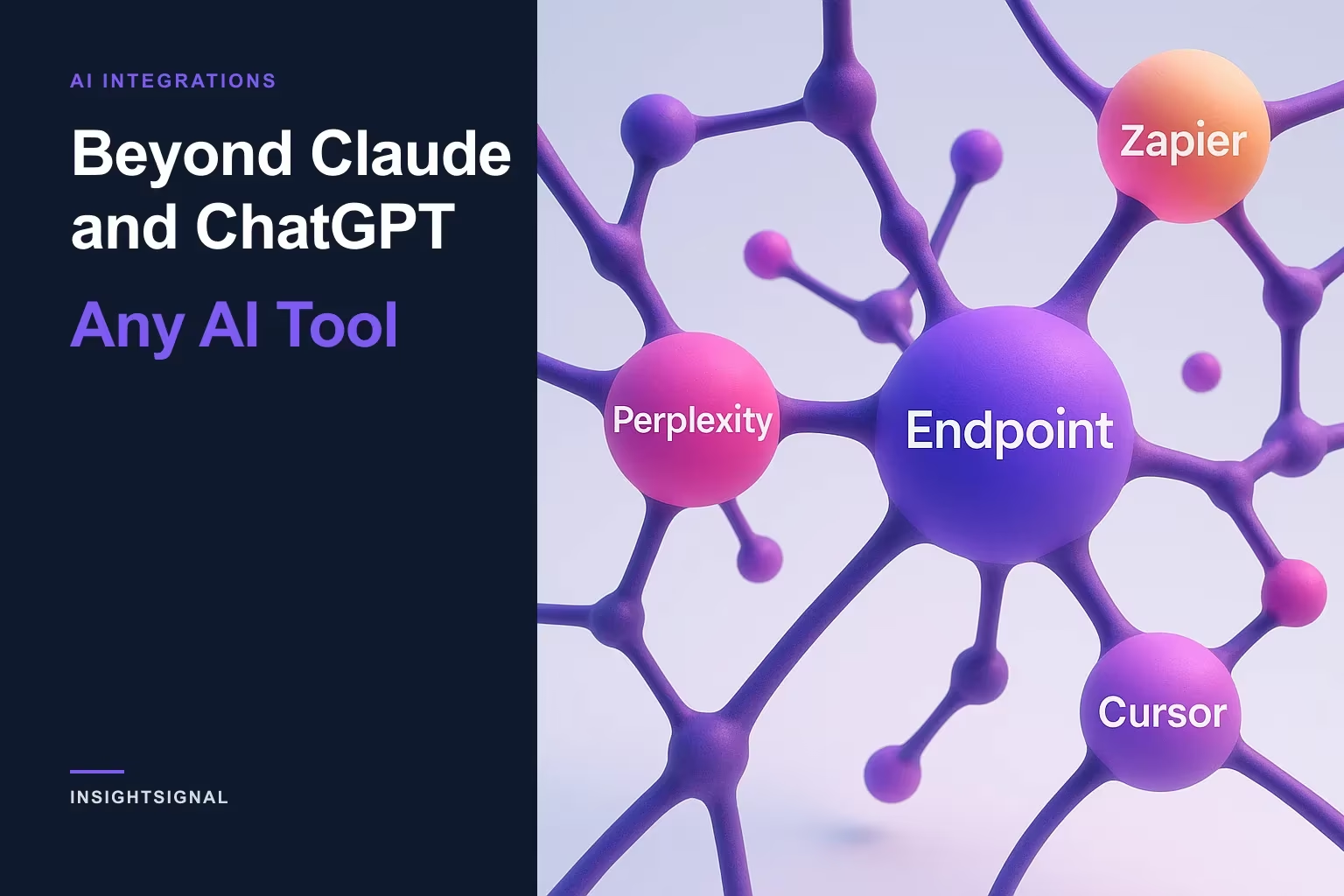
Beyond Claude and ChatGPT: Any AI Tool
Claude and ChatGPT were only the beginning. The same single connection now reaches Perplexity, Zapier, Cursor, and more — one MCP endpoint, an OAuth sign-in, and your verified data is queryable wherever you already work.
The last thing your team needs is another tab
The modern revenue stack is a browser full of tabs, and the switching isn’t free. Harvard Business Review researchers who instrumented workers across three Fortune 500 companies found they toggled between applications about 1,200 times a day — nearly four hours a week, roughly 9% of the workday, spent just reorienting after each switch.
So the goal for a verification layer isn’t to be one more destination you log into. It’s to be a source your existing tools can pull from — to meet you inside the assistant, the automation, or the editor you already have open. That’s what connecting InsightSignal to your AI tools does.
One endpoint, every tool
InsightSignal exposes a single MCP endpoint — one URL that every AI tool connects to, shown on its card under Integrations → Browse → AI Assistants & Tools. That same catalog now lists ChatGPT, Claude, Perplexity, Cursor, VS Code, Gemini CLI, Windsurf, n8n, Make, and Zapier.
If you’ve already connected Claude or ChatGPT, every tool below works the same way — one sign-in each, the same verified data behind it. The only thing that changed is how many tools can reach it.
Perplexity, the research tab that can now read your data
Perplexity connects as a custom remote connector over OAuth (a paid Perplexity feature). In Perplexity, open Account settings → Connectors → Add custom connector and fill in the form: name it InsightSignal, paste the MCP URL, choose OAuth (leave Client ID and Client Secret blank — InsightSignal registers the connection itself), and pick Streamable HTTP as the transport. Sign in, approve the scopes, and it’s connected.
To use it, enable InsightSignal under a thread’s Sources, then ask about your data. One nuance worth knowing so you don’t think it’s half-installed: a custom remote connector’s detail page in Perplexity is intentionally sparse — its tools live in the thread’s Sources menu, not on a rich management page. As long as the card says Connected, it’s working.
Zapier, verified data as a workflow step
Zapier connects as a remote MCP server over OAuth through the "MCP Client by Zapier" app (which needs a paid Zapier plan that includes it). Add the MCP Client by Zapier app to a Zap and choose Connect: set the Server URL to the InsightSignal MCP URL, Transport to Streamable HTTP, OAuth to Yes, and leave the Bearer Token blank. Sign in and approve.
Now InsightSignal is a step in your automations. Drop an MCP Client action into any Zap and pick a tool — search your companies, look up a contact, or run research — so verified data flows into whatever you’ve wired up downstream, no human copy-paste in the loop.
Read-only or read-and-write — you choose at the door
Every one of these connections asks the same question at the consent screen: how much access. Read-only lets the tool query your data but never change it. Read + write lets it trigger actions like verification or research — and it always asks you to confirm an action before running it.
Everything you authorize shows up under Integrations → Manage Access → Connected Apps, with the date you granted it and a Revoke button that takes effect immediately. (Power-user path: MCP-capable tools without an OAuth flow can connect with an API key from Manage Access → API Keys instead, and Claude Desktop has a one-click extension — but most people should use OAuth.)
A note on plans, and on the long tail of tools
Two honest caveats. First, custom connectors are paid-plan features — in Perplexity, in ChatGPT (Business/Enterprise, or Plus/Pro with Developer Mode), and in the MCP Client by Zapier — not on free tiers. Second, Cursor, VS Code, Gemini CLI, Windsurf, n8n, and Make are in the catalog and connect through the very same MCP URL over OAuth or an API key; the setup is the standard "add an MCP server" flow each of those tools documents. The rule of thumb: one endpoint, everywhere.
The intelligence layer should meet you where you work
Your stack is unbundling — the CRM, the assistant, the automation tool, the editor are all separate now, and nobody wants to add a fifth place to check. The right move for a data layer is to stop being a place at all and become a source the tools you already use can query. Connect once, and your verified, graded intelligence is a question away inside the tab you already had open.
Start with the Claude and ChatGPT walk-through, or see how InsightSignal chat answers questions about your data. Then wire up your own tool at signal.insightopus.com — or book a demo.
Sources
Copyright © 2024–2026 InsightOpus Inc.