
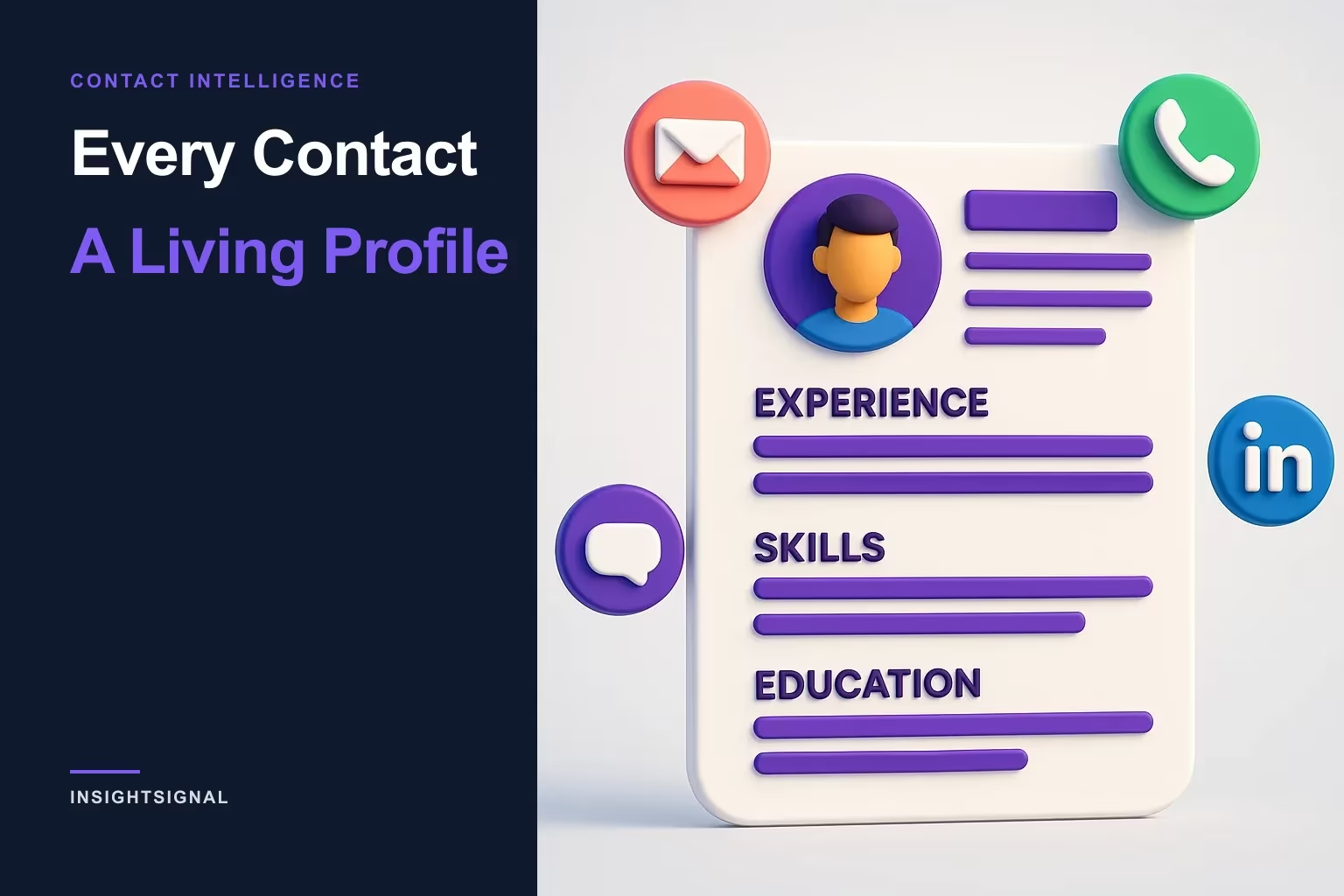
Every Contact: A Living Profile
Your verified people just became first-class. Every contact now has a dedicated, living profile — experience, skills, and every reachable channel in one place, each surface verified across independent sources and re-syncable in a click — with company pages rebuilt to match.
You don’t sell to a logo. You still have to reach the person.
RAIN Group’s prospecting research found it takes an average of eight touchpoints to land a first meeting with a new prospect — eight attempts across email, phone, and LinkedIn, every one of them dependent on having the right channel, to the right person, that actually works. When a contact is just a table row with one stale email, you’re not working with eight touches. You’re working with zero that connect.
We argued in Beyond the Logo that pipeline moves on people, not company names. This is the other half of that idea: once you’ve found the person, you need the *whole* person — their background, every way to reach them, and how ready they are, all of it verified — on one screen. That’s the new Person Profile page.
Familiar layout, opposite trust model
Contacts used to live only as rows and cards inside a company. Now, from the People page, clicking any contact opens their dedicated Person Profile page. It looks like a profile you already know — cover banner, photo, a clean header — but the resemblance stops at the layout. A social profile shows what a person chose to say about themselves, frozen whenever they last edited it. This page shows what InsightSignal could actually verify about them, across multiple independent sources, and it’s built to be kept live rather than left to go stale.
The header carries the full name, an inline contact-readiness grade shield (A–F), the current title and company (the company links straight through), location, and status badges: Enriched, Past employee, Needs review, and a freshness badge that ages with the data.
Everything about the person, on one screen
The goal is the whole verified picture in one place — the background you’d want before a call, not scattered across five tabs:
- About. The person’s professional bio.
- Experience. Employment history grouped by company — multiple roles at one employer nested under a single header with total tenure — each role with dates, duration, and description, and a "Show all" toggle for long histories.
- Education, Languages, Certifications. Structured sections, shown when available.
- Skills. As tag pills.
- Company summary card. The key details of their company — logo, grade, industry, HQ, employees, revenue — with a "View company" link through to the full page.
The professional background — experience, skills, education, the About summary — is drawn from LinkedIn data captured during enrichment, so it matches the picture your buyer presents to the world. The Education, Languages, and Certifications sections appear when that data is available; if a section is blank, it hasn’t been enriched yet, not broken — a Sync gathers it (more on that below).
Every reachable surface, in one verified place
The contact panel is the reachability story made concrete. Email, phone, LinkedIn, and location sit together, each with a deliverability or validity badge, a freshness indicator, and its source — so you’re not guessing whether a channel is live, you can see it. Where a person has more than one email or phone, the alternates sit alongside the primary — each labeled with where it came from — and a "Set primary" control lets you promote the one you trust.
That’s the "one person, every channel" idea in practice: not just a contact, but a verified read on which channel is actually worth one of your eight touches.
The one number that says “reach out”
The signal unique to a person page is the contact-readiness grade — a shield (A–F) with a 0–100 score, right in the header. It isn’t the company’s grade; it answers a different question: can you actually reach this human, and is it really them? InsightSignal builds it from three things — Reachability (are there working channels — email, phone, LinkedIn?), Identity (how confident are we in the name, title, and company), and Completeness (how many fields are corroborated across multiple independent sources).
The grades read like a call list: A is Ready, B Reachable, C Partial, D Weak, F Unreachable. It’s a BDR’s triage in a single glyph — sort your People page by readiness and work the A’s first. For how grading works across both people and companies, see understanding InsightSignal grades.
A living profile — sync it, or rewind it
This is what most separates the page from a static profile: it’s live. The Sync button re-enriches the person on demand — re-running verification, refreshing every contact channel, and updating the whole profile — with a credit estimate shown before it runs. The day before a call, one click brings the page current: a job change caught, a bounced email replaced, a new mobile surfaced. Nothing on it is a printout you saved last quarter.
And because every verification is kept, the profile has a memory. A History scrubber rewinds to an earlier snapshot, so you can see the person as they were at a past point in time — and exactly what’s changed since. Paired with the freshness badges that age with the data, you always know at a glance whether you’re looking at something current or something worth a Sync.
Companies got the same treatment
Person and company were rebuilt as a matched set. The Company detail page is now a clean profile too — a hero card (cover banner, logo, name with a colored grade shield, tagline, firmographics, social links), status and freshness badges, a Card / Graph / Research view toggle, and a sticky rail with the grade, signals, key facts, specialities, and related entities. Its Contacts carousel shows the people at that company, each with a readiness grade and labeled channels, and a "View all" that opens the People page pre-filtered to that company.
Open a company and jump to a contact’s full profile; open a person and click through to their company. Person and company finally read as one connected, verified map — not two disconnected lists.
The whole person, not a profile picture
Prospecting fails in the gap between knowing who to call and being able to actually reach them. A row with a name and a maybe-valid email doesn’t close that gap; a full, verified, living profile does — background to open the conversation, every channel to start it, a readiness score to know it’s worth starting, and a Sync to make sure none of it has quietly gone stale. The intelligence layer’s job is to hand you the whole human, verified, on one screen — not scatter them across tabs and tools.
See it on your own verified contacts at signal.insightopus.com. New to sourcing the right people in the first place? Read Beyond the Logo and how sales teams use InsightSignal for prospecting, or how to use Find More Like This. Or book a demo.
Sources
Copyright © 2024–2026 InsightOpus Inc.