
Understanding InsightSignal Grades: A Deep Dive
What do the letter grades mean, how are they calculated, and how should you interpret them for your business?
Why Data Grading Matters
In a world where 70% of CRM data is outdated, incomplete, or inaccurate, knowing whether a data point is trustworthy is just as important as having it in the first place. This is the problem InsightSignal's grading system is designed to solve. Rather than giving you a binary 'verified' or 'not verified' status, InsightSignal assigns every company a letter grade from A to F — a multi-dimensional assessment that tells you not just whether the data exists, but how much you should trust it. For sales teams building prospect lists, for investors conducting due diligence, or for operations teams cleaning CRM records, the grade is the single most important signal for prioritizing where to focus your attention.
The Four Dimensions Behind Every Grade
InsightSignal grades are based on up to four dimensions, each represented by a colored progress bar on the company detail page. Quality (purple) measures data trustworthiness based on multi-source agreement — when multiple professional databases agree on a company's details, quality scores are high. Completeness (blue) tracks how many fields in the company profile have been populated; gaps in critical fields like employee count or revenue reduce this score. Alignment (indigo) evaluates how well the verified data matches what was originally provided in your CSV or search — corrections and mismatches lower this dimension. When you set an intent profile, a fourth dimension appears: Intent (green), which measures how relevant the company is to your specific business objective. The final letter grade is a weighted composite of all active dimensions, giving you a single, actionable indicator that balances data quality with business relevance.
What Each Grade Means in Practice
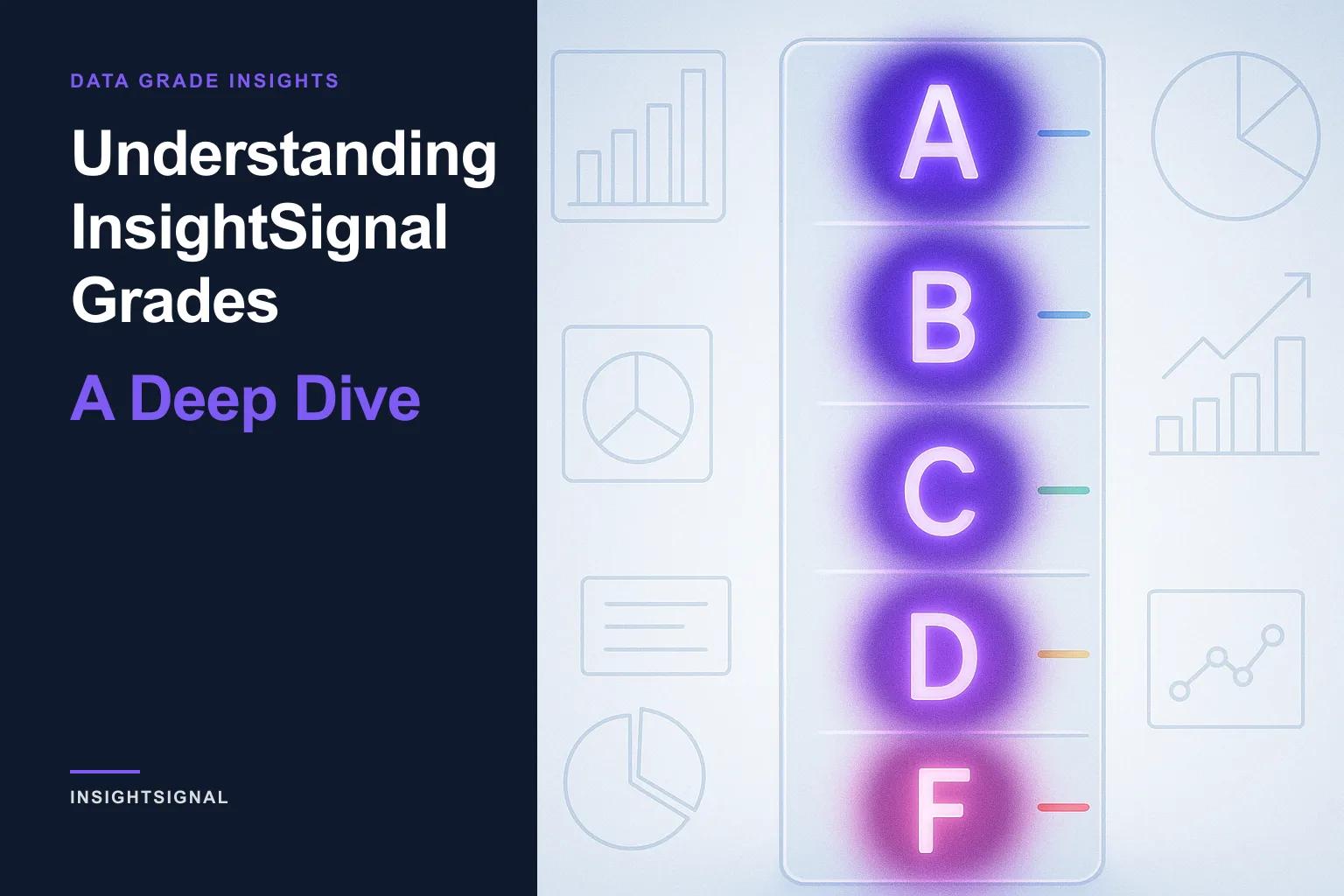
The five grade levels map to clear, actionable guidance for your workflow. An A grade (Trustworthy) means high quality, complete, well-aligned data — these records are ready for outreach, reporting, or CRM import without further review. B (Good) indicates solid data with minor gaps — perhaps a missing phone number or unconfirmed revenue figure, but the core profile is reliable. C (Review) means the data is usable but some fields need attention; these are worth investigating before acting on. D (Weak) signals significant gaps or quality concerns — multiple fields may be unverified or conflicting, and the record needs manual validation. F (Mismatch) indicates major issues, typically meaning the verified entity is likely a different company than what was originally input. Understanding these thresholds helps you set filters: many teams export only A and B records for outreach while routing C records through a review queue.
Why the Same Company Gets Different Grades
One of the most powerful — and initially surprising — aspects of InsightSignal's grading system is that grades are contextual. The same company can receive a B grade when scored for sales prospecting but a D when scored for competitive analysis, because the Intent dimension shifts the weight toward different attributes. A small startup might be an excellent sales target (high intent alignment for prospecting) but a weak competitor (low market overlap, no threat signal). This is by design. Traditional data tools give you a static 'data quality' score that never changes regardless of context. InsightSignal's approach recognizes that data relevance depends on what you're trying to accomplish. You can even re-score the same verified data with a different intent profile at any time — without re-running the expensive verification step — to see how the same companies look through a different business lens.
Using Grades to Drive Your Workflow
Grades become most powerful when you use them to automate decision-making. On the job results page, the Disposition column translates grades into workflow categories: Actionable (green) for records ready to use, Needs Review (yellow) for records that warrant a second look, and Excluded (red) for records filtered out by intent scoring. The Companies page lets you sort by grade to see your best-verified records first, and the Column Picker lets you toggle individual dimension scores — Quality, Completeness, Alignment, Intent — so you can drill into exactly why a company received its grade. For teams running regular verification cycles, the Dashboard's Grade Distribution widget shows a pie chart of your portfolio's overall health, making it easy to track whether your data quality is improving over time or where new investments in verification would have the most impact.
Grades in Research Reports and Beyond
InsightSignal's grading system doesn't stop at verification. When you generate a Research Report for a company, the report's findings can reveal a mismatch between the company's current grade and the deeper intelligence uncovered by research. For example, a company classified as Out of Scope by intent scoring might turn out to be a strong target based on research findings. When this happens, InsightSignal surfaces a mismatch banner on the Research tab and offers to reclassify the company, updating its grade, category, and intent alignment based on the full research context. This research-informed reclassification ensures your grades stay accurate as you learn more about each company, turning what starts as a data quality metric into an evolving intelligence layer that gets smarter with every interaction.
Copyright © 2024–2026 InsightOpus Inc.