
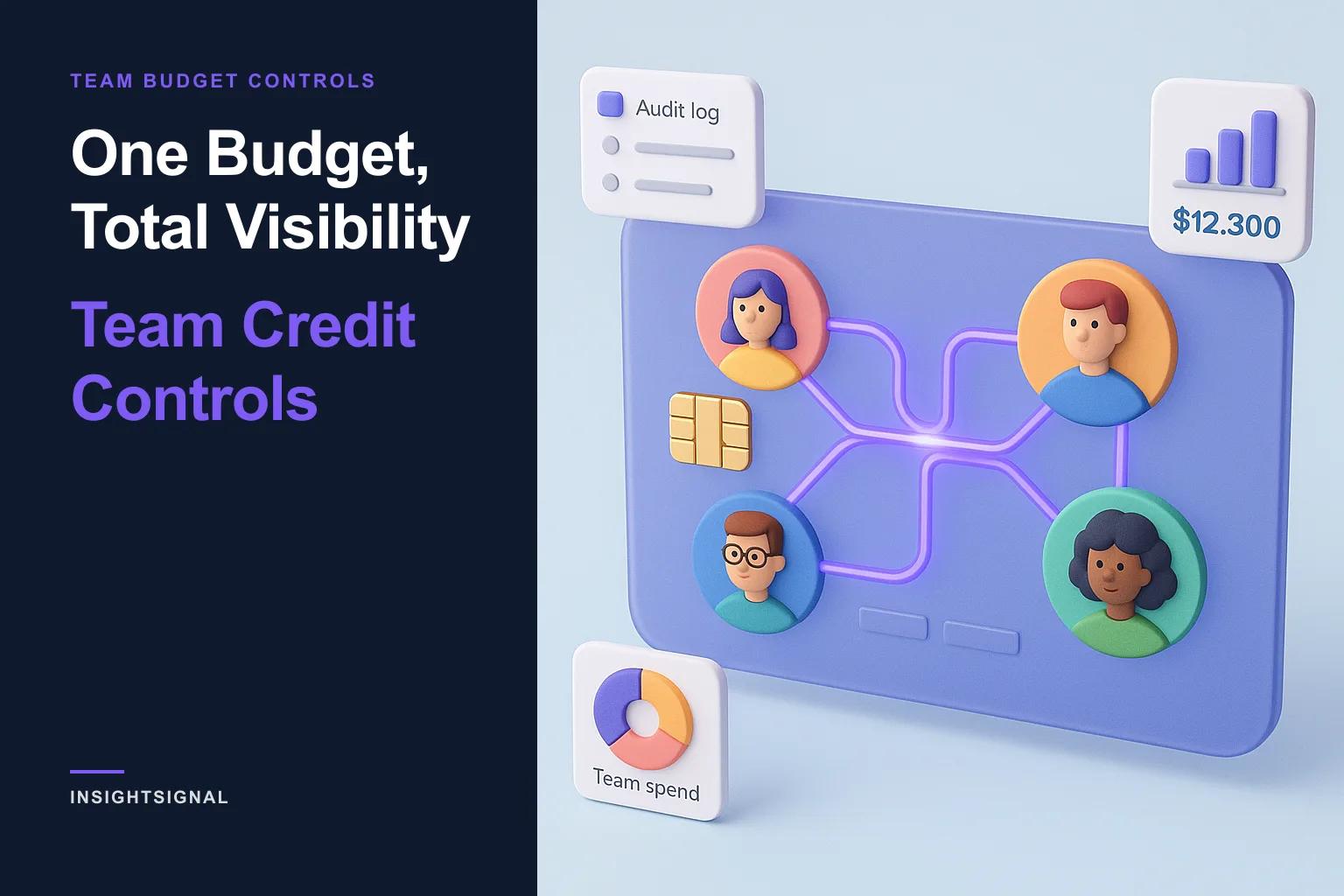
One Budget, Total Visibility: Team Credit Controls
Pooled credits don't have to mean a free-for-all. Per-member caps keep team spend predictable — and let you steer credits toward the reps who convert.
Pooled credits, without the free-for-all
The first question every finance-minded buyer asks about a shared credit pool is the obvious one: if everyone draws from the same balance, what stops one person from emptying it? It is a fair question, and Teams Edition answers it with three things — per-member caps, usage reports, and an audit log.
Pooled credits are about removing friction, not removing control. The goal is one budget the whole team can use, with enough visibility that the budget stays predictable.
The shared pool model
A team organization has a single credit balance. Every member's verifications, research, and enrichment draw from it, and it refreshes each billing cycle. One subscription, one invoice, one number to track — instead of a patchwork of individual plans and credit packs.
Viewers, by design, never consume credits at all. If someone only needs to see verified data — a sales leader, a marketing partner, an exec — they can have full read access without ever touching the budget.
Per-member monthly caps
For everyone who does spend, admins can set an optional monthly credit cap on any individual member. The cap is exactly what it sounds like: the most credits that member can use in a calendar month. Set a junior SDR to a conservative number; leave a senior AE uncapped.
A cap of zero means unlimited — the default, for members you don't need to limit. Caps are tracked in real time and reset on the first of each month. When a member reaches their cap, they get a clear message explaining what happened and pointing them to their admin — no silent failures, no surprise overage on the invoice.
Per-member usage reports
Caps prevent overspend; reports explain it. Owners and admins get per-member usage reports covering jobs run, credits consumed, CRM pushes, and last-active time — per person and as a team total. Every member can always see their own usage, too.
This is the data that turns a credit budget into a planning tool. You can see which workflows actually consume credits, which members are most active, and whether next quarter's allocation should go up or down — with numbers instead of guesses.
Allocate credits to where they convert
There is a second reason to use per-member caps, and it is the one finance teams care about most: a cap is an allocation decision, not just a limit. A rep who reliably turns verified companies into closed deals should be working with a larger allocation than one who is still finding their footing — and caps are how you express that, member by member, instead of setting one blind number for the whole team.
What makes this more than guesswork is the CRM feedback loop. InsightSignal syncs Won and Lost outcomes back from your connected CRM, so an admin can see each member's spend alongside what it produced — how many of their verified companies went on to convert, and how many didn't. Over a few cycles that turns cap-setting into something you tune: lift the allocation for your strongest qualifiers, trim it where the return isn't there, and keep the team's credit budget pointed at the reps who move pipeline.
The organization-wide audit log
Spend is only one kind of activity worth tracking. Every team organization includes an org-wide audit log — a filterable record of invitations, role changes, member removals, billing changes, jobs run, and CRM activity.
When a new admin appears, a member is removed, or a CRM connection changes, the audit log shows who did it and when. For any team that has to answer questions about access and activity, that record is simply there, without anyone having to assemble it after the fact.
One invoice instead of expense reports
The quiet win underneath all of this is billing. A team subscription is one line item. No reps expensing their own credit packs, no reconciling a dozen small charges, no finance ticket every time someone needs more credits.
Predictable team spend isn't a constraint you bolt on after the fact — in Teams Edition it is the default. Set your caps, watch the reports, and let the pricing page show which team plan fits. The full mechanics are in Working as a Team.
Copyright © 2024–2026 InsightOpus Inc.