
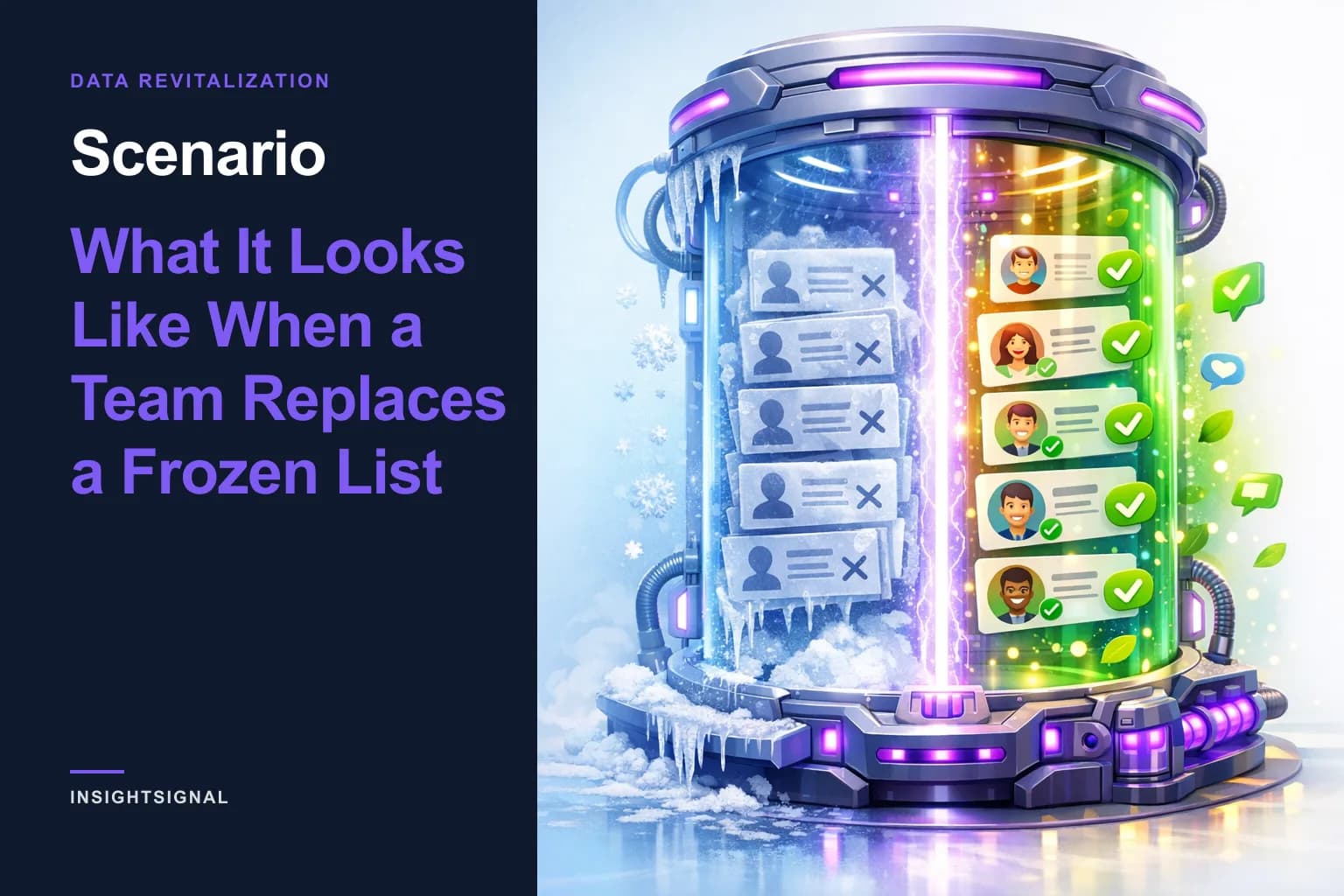
Scenario: What It Looks Like When a Team Replaces a Frozen List
A list bought once and never checked again is a frozen list. Here is, step by step, what replacing one with a living, verified list looks like.
An illustrative walkthrough
An illustrative walkthrough of product behaviour, not a customer case study. No company, person or result in it is real; it shows what InsightSignal does at each step.
The starting point
A sales team has a spreadsheet of target accounts exported a year ago. Some rows are fine. Some contacts have left the company. Some companies no longer fit. Nobody can say which is which, so reps either trust all of it or none of it.
Step 1: Upload it, with a purpose
They upload the CSV on InsightSignal's Analyze page and describe why they are checking it: what they sell, to whom, and what to leave out. They add a line about their own company so it can be excluded from the results.
Step 2: Every company comes back graded
Each company gets an A to F grade built from quality, completeness and alignment with their purpose, and a disposition: actionable, needs review or excluded. Excluded companies stay in the list with a strikethrough and a reason, so nothing disappears without explanation. Every field shows its confidence, how many sources agreed, and a link to the evidence.
Step 3: Contacts get a readiness grade
Contacts carry email, phone and LinkedIn with deliverability checks, and an A to F readiness grade for outreach. Where the right decision-maker is missing, a rep looks them up by name and company, and InsightSignal confirms they work there and finds their contact details.
Step 4: Research only where it pays
For the short list of A and B companies, they generate research reports. Each opens with a verdict, from Strong Match to Avoid, with its reasoning and the evidence links behind it.
Step 5: Into the CRM, with the grades
A rep pushes the verified companies and contacts to the team's CRM, with grades and readiness scores as custom fields, so the CRM view and the InsightSignal view agree.
Step 6: The list stops freezing
With inbound sync on, the CRM reports back. Contacts who change jobs are flagged for re-verification. Closed deals come back as Won or Lost. A re-verification creates a new snapshot, so the team can see what changed and when instead of overwriting history.
Step 7: The next list comes from the wins
A quarter later, they select their newest won accounts and run Find More Like This. The next list starts from evidence instead of a filter menu.
What this scenario doesn't claim
It doesn't promise a number of meetings or a conversion rate; those depend on your market and your team. For measured results, read our benchmark report, Signal vs. Noise.
Copyright © 2026 InsightOpus Inc.v1.76.5